Turn Stream Deck into Mission Control for Your Daily Work.
In two weeks, you’ll build a Stream Deck setup that feels intuitive, reduces mental load, and speeds up the tasks you repeat every day.

Live Training, March 23 - April 3
Spots are limited due to the live interactive format.
Not Getting the Most Out of Your Stream Deck?
Here's why.
You bought a Stream Deck because you knew it could save you time. But instead of becoming Mission Control, it becomes one more thing on the list. Not because you’re “not technical”, but because the Stream Deck has a strange problem, almost unlimited possibility.
When you don’t have a clear starting point, you get one of these outcomes:
- It stays in the box, unused, or collects dust on your desk
- You set up a few buttons, then plateau and never build momentum
- You overbuild it, too many pages, too many profiles, and it becomes clutter
The cost isn’t the Stream Deck. It’s the opportunity cost of not using it.
It’s the minutes you lose to small, repeatable friction, every day. Clicking through menus, switching apps, restarting the same workflows, and doing “tiny tasks” the hard way. None of it feels dramatic, but it adds up.
Most people never notice it because it’s familiar. But once you remove that friction, the difference is immediate..
Reserve My SpotHere’s what it looks like when Stream Deck actually works
When Stream Deck is set up properly, it stops being a gadget and starts becoming a simple interface for the work you already do.
Instead of relying on memory, clicks, and app switching, you have a layout that makes the next step obvious.
What you’ll have by the end of the Accelerator
- A clean Stream Deck layout designed around your daily work
- A Core profile to easily access your most repeated actions and workflows
- Workflow profiles tailored to how you work (meetings, admin, focus time, video etc...)
- A simple system for building new profiles, pages and folders without creating clutter
- The confidence to fully leverage Stream Deck as a productivity power house!
What changes day to day
- Less friction, more momentum
- Higher productivity, faster results
- A calmer, more consistent workflow
And the best part is, this isn’t about building a complicated setup. It’s about building the right foundation, then expanding from there.
Reserve My SpotHere’s What You’ll Learn in the Accelerator
In 2 weeks, you will go from “I know it can do more” to a Stream Deck setup that feels intuitive, reduces friction, and fits the way you work.
WEEK 1 - Foundations Of Stream Deck
In week one, you will get Stream Deck set up correctly, organise your layout, and create a clean structure that makes everything else easy.
Week 1 dates: Mar 23 to Mar 27
Mon: Your Essential Stream Deck Fundamentals
Tuesday: Your Custom Stream Deck Architecture
Wednesday: Your Personalised Stream Deck Interface
Thursday: Your Advanced Stream Deck Power Features
Friday: Your Core Mission Control Framework
WEEK 2 - Real World Stream Deck Workflows
In week two, you will refine your setup for productivity, meetings, and video, and remove the friction that stops most people from sticking with it.
Week 2 dates: Mar 30 to Apr 3
Monday: Streamlined Productivity and Admin
Tuesday: Protected Focus and Deep Work
Wednesday: Polished Online Meetings and Presentations
Thursday: Effortless Video Production and Recording
Friday: Overcoming Friction and Building Momentum
By the end of the Accelerator, you will have a clean, organised Stream Deck setup with repeatable workflows for productivity, meetings, and video, plus the confidence to keep expanding it without the overwhelm.
Reserve My SpotA Program Designed for a Global Audience
The Stream Deck Accelerator was designed to work for you!
I know that time zones can be a challenge and that’s why I’ve built flexibility into the program, so you can get the most out of this experience, no matter where you are in the world!
- Two Live Daily Sessions
Each day features two live training sessions, making it easier for you to find a time that works for your schedule. Sessions are 10am & 10pm Eastern Time - pick which works for you or attend both for double the learning! - Community Access
Plus, you’ll gain Lifetime access to the Digital Stage Network - an exclusive community space where you can practice your skills, share progress, and get constructive feedback from like-minded creators. - On Demand Access.
Can’t make it live? Every session is recorded so you can catch up and learn at your convenience.
Wherever you are in the world you'll have the chance to join live sessions, connect with others and build your Stream Deck skills like never before.
Join the Accelerator today and transform your productivity with Stream Deck!
Reserve My SpotWhy I Created the Stream Deck Accelerator
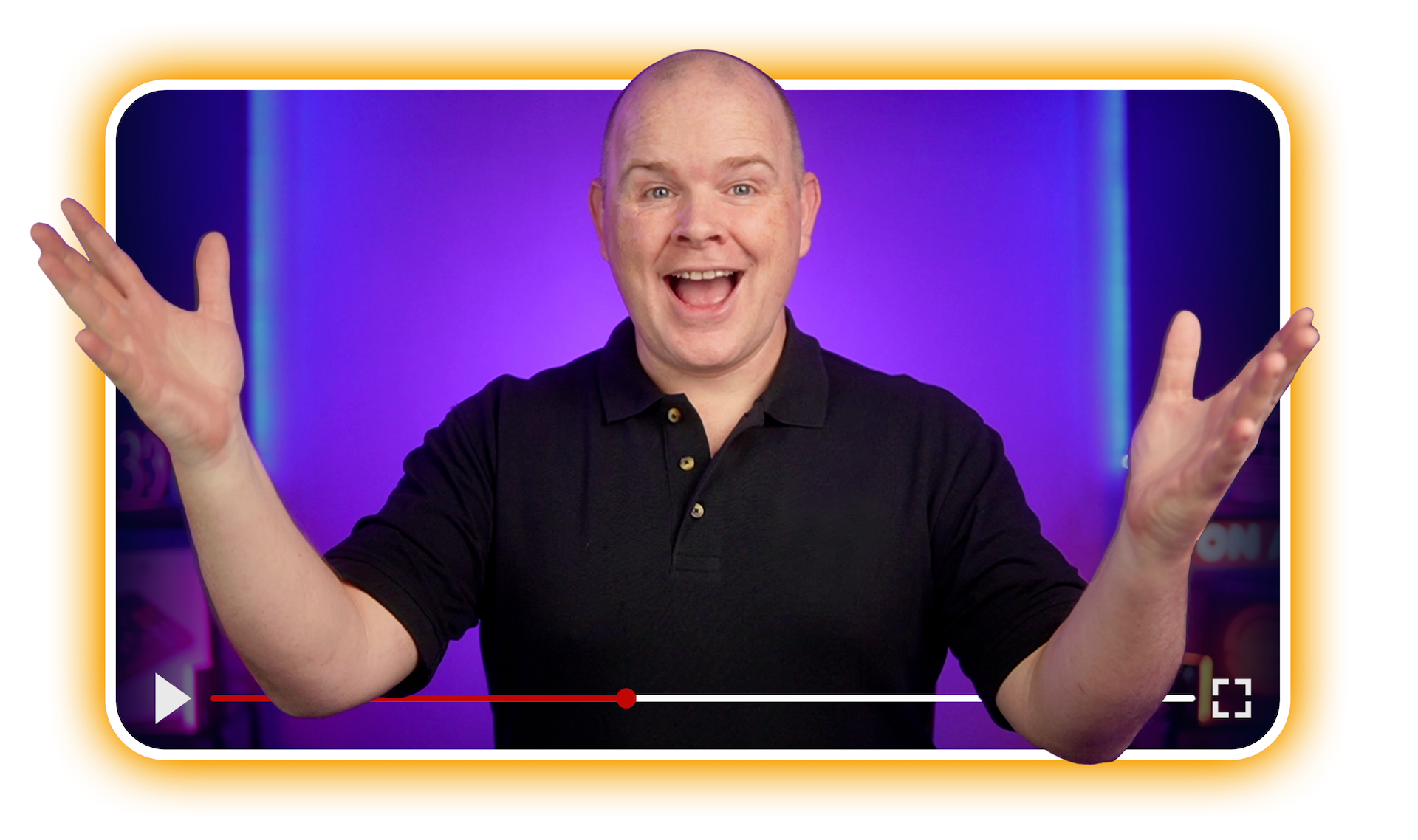
I’m Alec Johnson, founder of Take One Tech and the Digital Stage Academy.
I’ve spent years helping creators and entrepreneurs build workflows that make video, meetings, and daily work feel calm, repeatable, and professional.
I built the Stream Deck Accelerator for one reason: most people don’t need more buttons, they need a system they will actually use.
Stream Deck is insanely powerful, but most setups fall into one of three traps:
- A few random actions that never become a workflow
- A messy layout that gets harder to maintain over time
- An overbuilt system that looks impressive, but never gets used.
This Accelerator is the shortcut I wish existed when I first started using Stream Deck seriously. In two weeks, you’ll build a setup that feels intuitive, reduces friction, and fits the way you actually work, not the way a random template assumes you work.
If you’ve ever thought, “I know my Stream Deck can do more, I just haven’t cracked it,” you’re in the right place.
You’ll leave with a setup you trust, and a system you can keep expanding.
Reserve My Spot“Your Stream Deck should remove friction, not create it!”
Ready To Make Stream Deck your Mission Control?
In just 2 weeks, you’ll build a clean, organised Stream Deck system that reduces friction, speeds up repeatable tasks, and supports your work, meetings, and content workflow.
By the end, you will be able to:
- Build a simple, repeatable button system you can rely on every day
- Organise profiles and navigation so your setup stays clean as it grows
- Create productivity shortcuts that remove daily friction
- Run smoother meetings and presentations that flow seamlessly
- Create video and recording workflows without overcomplicating your setup
What you'll get:
- 10 live expert led training sessions (two per day, Monday to Friday)
- Two daily time options, attend either session, or join both for extra reps and Q&A
- Session replays and quick reference resources so you can implement fast
- Guided setup frameworks for productivity, meetings, and video use cases
- Lifetime access to the Digital Stage Network community (normally $250 per year)
Everything is designed to help you finish with a system that will grow with you, not a pile of buttons.
JUST $197
Reserve My SpotSpots are limited due to the live interactive format.
Join early to secure your seat and get access to the community before we begin.
THE GUARANTEE THAT MAKES THIS A COMPLETE NO BRAINER!
100% SATISFACTION GUARANTEED
The Stream Deck Accelerator is a live, hands on implementation program, designed to help you finish with a clean, organised Stream Deck setup you actually use.
Do the program, give it an honest shot, and if you are not entirely satisfied with your results, email Beverly at [email protected] within 14 days of the program ending and we'll gladly give you a full refund AND you can keep the training materials!

"This is my commitment to you! I want there to be NO RISK whatsoever when you decide to enrol in The Stream Deck Accelerator"
- Alec Johnson
Frequently Asked Questions
1. Who is this Accelerator for?
This is for Stream Deck owners who know it can do more, but don’t yet have a clean, repeatable setup.
It’s ideal if your Stream Deck is underused, your buttons feel random, or your profiles have started to sprawl. We’ll build a system that supports your daily work, meetings, and content workflows.
2. What if I can’t attend a live session?
You’re covered. Every session is recorded, so you can watch on demand and keep moving at your own pace. There are also two live session times each day, 12 hours apart, so you will almost always have a live option during normal waking hours.
3. Do I need prior experience with Stream Deck?
No prior experience is required! This Accelerator is beginner-friendly, but it also includes advanced tips for experienced usersNo. We start with the essentials and make sure you’re set up properly. If you’re already using Stream Deck, you’ll still get a lot out of this, because the focus is building a clean architecture, a usable interface, and workflows you will actually stick with.
4. Do I need to own a Stream Deck already?
It’s recommended, yes. You will get the most value if you can build alongside the sessions. If you’re still deciding which model to buy, we’ll point you in the right direction before the program begins.
5. How do I join the live sessions?
All training happens inside a private Zoom meeting. You can join with camera off and simply follow along, or turn it on if you want feedback and interaction.
6. How much time will I need to commit?
Live sessions run around 60 to 90 minutes. Most people get the best results by doing a little implementation right after each session, even 15 to 30 minutes, but you can also batch it using the replays.
7. Will I get ongoing support?
Yes. You’ll get access to the Digital Stage Network community where you can ask questions, share progress, and get feedback. You’ll keep access after the Accelerator ends, so you’re not left on your own.
8. Is this just for live streaming?
No. The Stream Deck is the ultimate productivity too and so we cover productivity and admin workflows, focus and deep work setups, meetings and presentations, plus video production and recording workflows too.
9. Is this different from your Stream Deck Masterclass?
Yes. The Masterclass teaches Stream Deck through on demand videos. The Accelerator helps you implement it, live, with structure, use cases, and accountability so you finish with a setup you actually use.
